
Run your Webflow blog on Superblog
at yoursite.com/blog
Keep Webflow for your website. Run the blog on Superblog at yoursite.com/blog, with a focused editor, hosted blog pages, automatic SEO, and 90+ Lighthouse guaranteed.
Webflow handles the site. Superblog handles the blog, CMS, hosting, speed, and SEO layer.
Trusted by brands with millions of readers
From YC startups to established enterprises









Where a Webflow blog takes extra work
Webflow CMS can run a blog. Running one for search means extra setup and extra seats.
SEO setup is per template
Webflow gives you a schema field per page and template, but you write or generate the markup and check it. IndexNow is not built in. llms.txt is a file you upload by hand.
Speed depends on the build
Performance depends on your design choices. Heavy interactions and large images slow pages down, and no Lighthouse score is guaranteed.
Each in-house editor is a paid seat
The CMS starts on the Premium site plan ($25/month billed yearly, 20,000 items). On an in-house Workspace, each content editor needs a Limited seat at $15/month billed yearly.
Proof this blog setup works in the real world
Relevant Superblog customers have already used the same managed blog stack to grow traffic, move faster, and avoid maintenance work.
Read all case studies


Webflow stays your website. Superblog becomes your blog.
Webflow is strong for design and marketing pages. Superblog gives your content team a dedicated blog platform connected to the same domain.
Webflow handles
- Landing pages
- Marketing site
- Product pages
- Beautiful interactions
Superblog handles
- Writing and publishing dashboard
- Hosted blog pages at yoursite.com/blog
- JSON-LD, IndexNow, LLMs.txt
- 90+ Lighthouse performance
- Lead capture and analytics
Is Webflow good for blogging?
Yes, if design control matters most. Webflow CMS gives you full control of the blog template. A blog that publishes often for search outgrows it in a few places.
What Webflow CMS does well
- Visual control of every blog template
- CMS Collections with custom fields
- Native forms on paid site plans
- Scheduled publishing and RSS feeds
- Auto-generated XML sitemap
Where a blog outgrows it
- CMS starts on Premium ($25/month billed yearly)
- Each in-house editor is a paid seat
- Schema is set up per template, by you
- No built-in IndexNow
- llms.txt is uploaded by hand, not regenerated
Set up Superblog at /blog on a Webflow site
Budget an afternoon and someone with access to your DNS. Webflow keeps serving every page outside /blog.
- 1. Choose a paid Superblog plan. Subdirectory hosting is on every paid plan.
- 2. In Cloudflare, add a proxied CNAME that points to Webflow and set SSL/TLS to Full (Strict).
- 3. Add a Worker or edge rule that sends /blog and /blog/* to Superblog.
- 4. Import your Webflow posts with an API token and Collection ID. Slugs are kept. Re-add tags, SEO fields and authors.
On Webflow Ecommerce or Memberships sites, SSL cannot be turned off, so the older reverse-proxy method is not available. The Cloudflare route above keeps Webflow's SSL on. Webflow Support does not troubleshoot third-party reverse proxies.
Webflow CMS vs Superblog
What you get when you add Superblog to your Webflow site
| Feature | Webflow CMS | Superblog |
|---|---|---|
| JSON-LD schemas | Schema field you fill per template | Automatic (Article, FAQ, Organization) |
| IndexNow | Not built in | Built in, automatic |
| LLMs.txt | File you upload by hand | Regenerated on every deploy |
| Performance | Depends on design | 90+ Lighthouse guaranteed |
| Blog lead capture | Native forms you place by hand | Below posts, sidebar, pop-ups |
| Content editors | $15/month per Limited seat (yearly) | 5 on Pro, 10 on Super |
| Multilingual SEO | Localize add-on, priced by locale | 41 languages on Super and above |
You can focus on writing
instead of fixing
Superblog provides optimized UI, CMS, hosting, SEO, security, marketing tools, and performance out of the box.

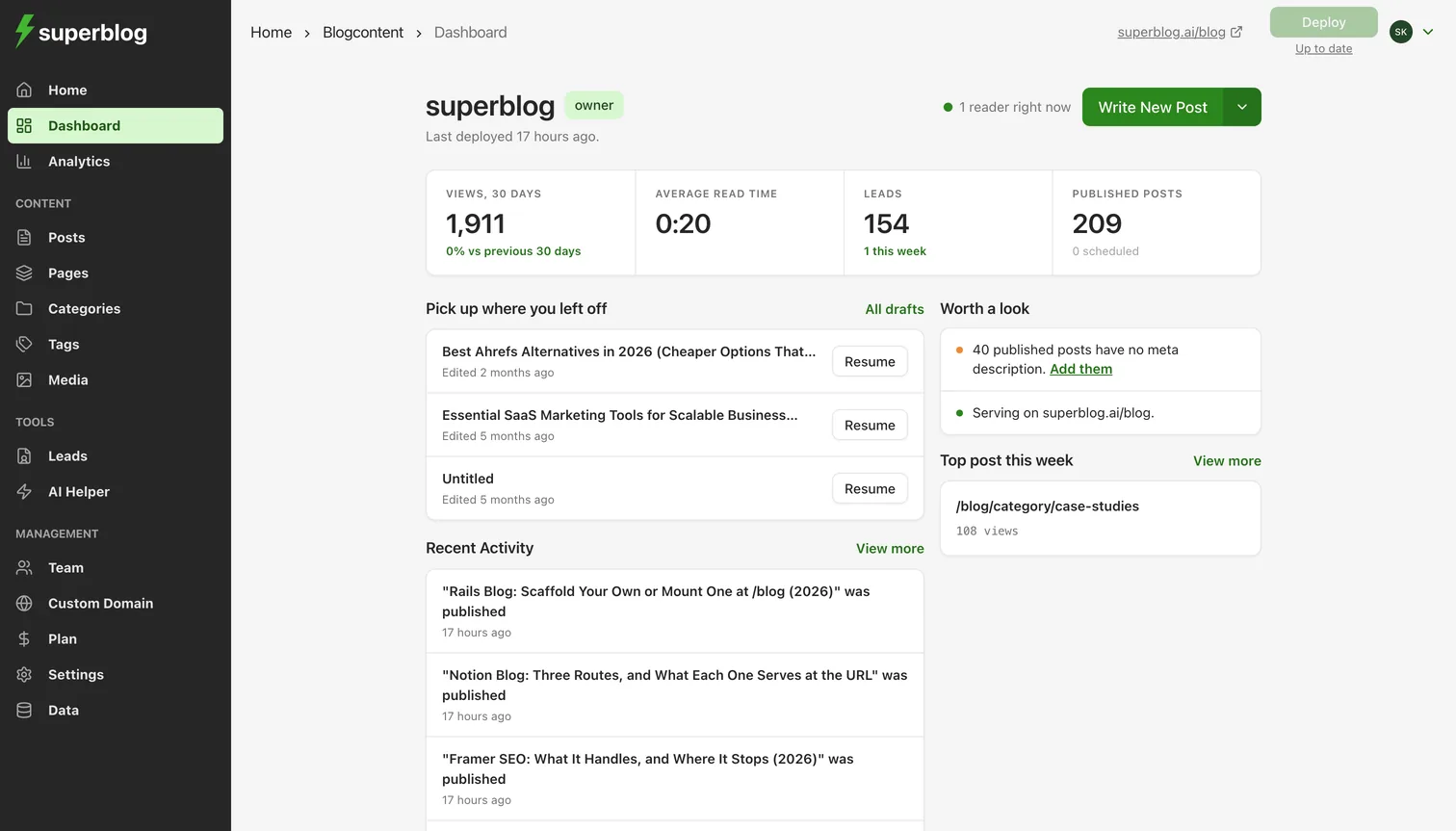

Everything you need for Webflow blogging
Built for designers and agencies using Webflow
Subdirectory Integration
Host your blog at yoursite.com/blog through Cloudflare. Your Webflow site stays on Webflow and keeps its SSL. Subdirectory hosting is on every paid Superblog plan.
Automatic SEO
JSON-LD schemas, XML sitemaps, IndexNow and llms.txt on every post, with no template setup. llms.txt regenerates on every deploy.
Built-in Lead Generation
Email capture forms below posts, in the sidebar, or as pop-ups. On Super and above, Zapier sends leads to your CRM.
Multilingual SEO
Auto-translation to 41 languages with hreflang tags and per-language sitemaps, on Super and above. No per-language charge.
90+ Lighthouse Guaranteed
JAMStack pages served from a global CDN. The 90+ score holds at any number of posts.
Clean Client Handoff
A focused writing dashboard non-technical clients can use without a Webflow seat. Roles control who can publish.
For Webflow agencies and freelancers
Client asks: "Can we have a blog?"
Old answer
"Webflow CMS can work, but we set up schema per template and there is no IndexNow. Or we integrate WordPress, which is a separate project with ongoing maintenance."
New answer
"Yes. We'll connect Superblog at yoursite.com/blog. Automatic JSON-LD schemas, IndexNow, 90+ Lighthouse scores, and a focused editor you can use without us."
One afternoon
Cloudflare setup, done once
Any paid site plan
Your Webflow site needs a custom domain
Self-serve clients
A focused editor, no Webflow seat
Built for Webflow sites
Focus on design, not blog infrastructure
Blog pages read every month
Guaranteed Lighthouse score
Uptime guaranteed
Cloudflare setup, done once
Loved by
growth teams
Growth teams choose Superblog for speed, SEO, and zero maintenance. Then they publish content that ranks.
Read Case Studies“Was looking for a tool which could optimize SEO from a technical standpoint, so we could focus our efforts on writing good content. Superblog is perfect for this.”

“Just found Superblog looking for a quick SEO optimized, fast loading alternative to WordPress. Looks super awesome!”

“If you want top of class optimization for SEO and performance, I would suggest Superblog.”

“Just got Superblog up and running. Simple, yes. But so fast. Love that the editor is SEO focused.”

“Really impressed with how fast it was to get a blog running on my domain. Which meant more time for writing.”

“Superblog has made it easy for us to launch and run a blog. It does most of the heavy lifting that can supercharge your blog.”

Ready to connect Superblog to your Webflow site?
Keep your Webflow site live. Run your Webflow blog at yoursite.com/blog on a platform your team can publish from.
Related guides for Webflow teams
Setup, migration and SEO guides for running a Webflow blog.
How to Add a Blog to Webflow
Step-by-step setup for running a blog at /blog on a Webflow site.
Migrate From Webflow
Move existing Webflow CMS posts to Superblog and keep their slugs.
Webflow CMS Limits
What the Webflow CMS includes per plan and where a blog hits its limits.
Webflow blog SEO
Learn where the Webflow CMS works and where search-focused blogs need more.
Common questions about Webflow blog integration
Ready to stop managing your blog and start ranking?
Join the teams who escaped WordPress
From $49/mo, everything included • Free for 7 days • No credit card